 Md Arshad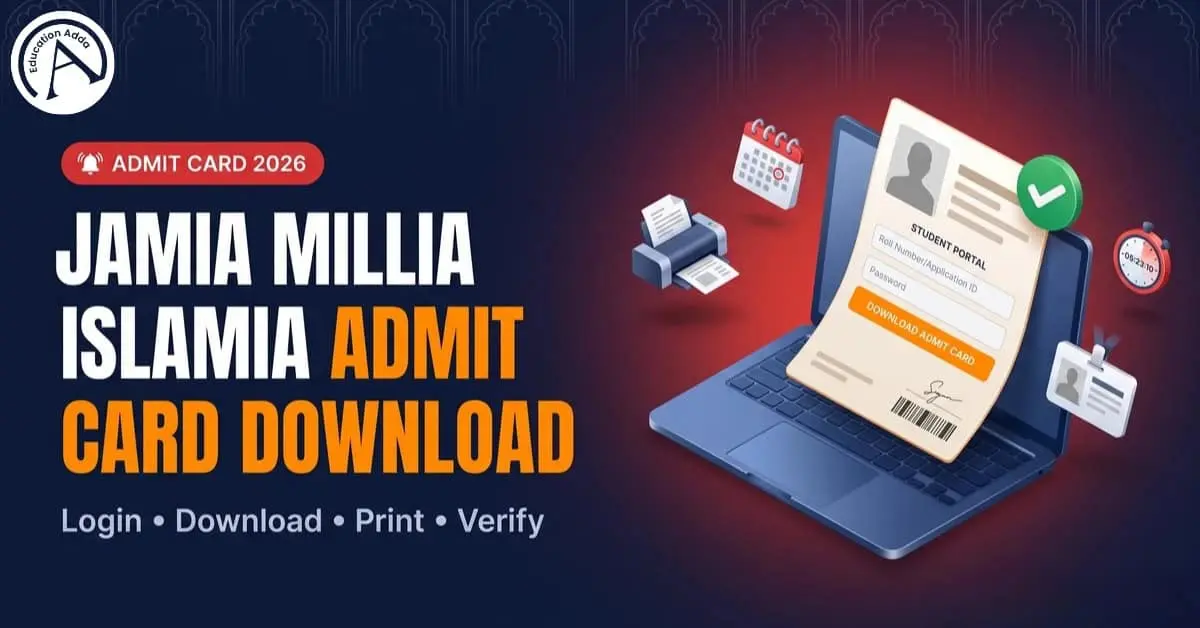
How to Download Jamia Millia Islamia Admit Card 2026
Students often search “jamia millia islamia admit card” at the most stressful time: the exam date is close, and the download button is missing, or the “hall ticket” PDF will not open. This guide explains the full process in simple steps, including what to do if the admit cards do not appear, how to handle a password problem, and how to check important details before entering the exam centre.
Quick Answer
Jamia Millia Islamia admit cards usually appear inside the official portal a few days before the entrance exam. Students must log in with their application credentials, download the PDF, verify name/course/exam centre details, and carry a printed copy with photo ID on exam day. If the admit card download option is not visible, the most common reasons are: admit card not released yet for that course, incorrect login, browser cache issues, or pending application status. Always verify dates in the prospectus/portal and contact the admission helpdesk if details are wrong.
What is the Jamia Millia Islamia Admit Card and why it matters
A Jamia Millia Islamia admit card is the official document that allows a candidate to enter the exam hall. It acts like an identity slip for the entrance examination. It usually contains the candidate’s name, course, roll/registration details, exam centre, and instructions.
Many students treat it as “just a PDF,” but the invigilator can ask for the Admit Card / Hall Ticket during verification. That is why the student should keep both a printed copy and a backup PDF on the phone.
Official places students use for JMI admit card download
Different Jamia processes use different systems. These are the common official/standard places students see:
| Purpose | What students typically do there | Notes |
|---|---|---|
| Entrance admissions dashboard | Download entrance admit card, check schedule | Official dashboard is referenced by JMI help platforms and is the primary place students try first |
| School admissions portal (Jamia schools) | Download school admit card for school-level tests | JMI has issued official school admit card instructions in past admission cycles |
| Controller of Examinations (COE) systems | Regular/private exam admit cards (when applicable) | Rules around hall ticket checks exist in official ordinances |
| Specific program proforma (example: distance/other) | Admit card format/instructions where relevant | Example admit card proforma exists on official JMI site |
Important: Many third-party pages show “direct links.” Students should still treat the official portal as the source of truth and confirm the release status for their course.
Expected admit card release timing for 2026 (and what “5–7 days” means)
A common pattern students see is: admit card available around 5–7 days before the exam date. Some JMI-focused guidance pages explicitly mention this window.
That does not mean every course follows the same day count. Jamia runs many entrance tests across multiple dates, centres, and sessions. The practical rule is:
If the exam is in May, admit card activity often starts in April.
If the student checks in February, it is often too early for admit card download, even if the form is submitted.
If the exam is close and the admit card is still missing, the student should check application status and email the helpdesk.
How to download admit card of Jamia Millia Islamia (step-by-step)
These steps match what most students do across JMI portals, including the school-style official steps and the entrance dashboard flow.
Step 1: Keep credentials ready
The candidate should keep:
Application number / registration details
Password (or date of birth, if the portal uses DOB)
A stable internet connection
If the student forgot credentials, the first action should be “Forgot Password.” (Fixes are covered below.)
Step 2: Open the correct portal for the course
Students usually choose one of these flows:
University (UG/PG) entrance admit card
School admit card (like Jamia Millia Islamia 9th class admit card, Jamia Millia Islamia class 11 admit card)
RCA admit card (Jamia Millia Islamia rca admit card)
Some guidance pages list separate “School / University / RCA” download paths.
Step 3: Log in and locate “Admit Card / Hall Ticket”
Inside the dashboard, students should look for:
“Admit Card”
“Hall Ticket”
“Download Admit Card”
“Print Admit Card”
Step 4: Download and print
If the PDF opens:
Save the PDF (this is the safest backup)
Print 1–2 copies
Keep one copy clean for exam day
For Jamia school admissions, JMI has issued official instructions that include downloading and printing the admit card from the portal.
Step 5: Verify details immediately
Before exam day, the student should check:
Name spelling
Course/program name (BA, BSc, B.Ed, MBA, PhD, school class level)
Exam centre address
Exam date and reporting time
Photo/signature visibility
This step reduces last-minute panic.
Jamia Millia Islamia entrance exam admit card (UG/PG)
jamia millia islamia entrance exam admit card or jamia millia islamia entrance admit card. Students typically download it from the admissions dashboard close to the exam schedule.
Jamia Millia Islamia school admit card (Class 9 and Class 11)
Students searching jamia millia islamia 9th class admit card or jamia millia islamia 11th entrance exam admit card should follow the school portal flow. Official school admit card instructions have been issued by Jamia in earlier cycles, and students should follow the portal instructions exactly.
Jamia Millia Islamia university admit card (regular/private exams)
Some students mean COE exams (not entrance). Official rules show that verification can require showing the admit card/hall ticket to the invigilator. So students should not rely on screenshots alone.
Troubleshooting: “Admit card download option nahi aa raha”
This is one of the most common real-world problems (and it shows up repeatedly in public comments on admit card guidance pages).
Quick reasons (and fixes)
| Problem | Why it happens | What to do (fast) |
|---|---|---|
| Admit card not visible after login | Admit card not released yet for that course/date | Re-check closer to exam; many portals show it 5–7 days before exam |
| Wrong dashboard | Student opened a school link for a university course (or vice-versa) | Use the correct track: School vs UG/PG vs RCA |
| PDF not opening | Browser cache / pop-up blocked | Try incognito, allow popups, switch browser, clear cache |
| Credentials issue | Password incorrect or account mismatch | Use “Forgot Password” and verify registered email/number |
| Details mismatch in PDF | Data not updated / form issue | Contact helpdesk and correct before exam day |
Forgot password? (Most common fix)
When a student says: “Forgot Password?” or “Can u please help me?”, the best route is still the official reset flow inside the same portal used for the application.
If the reset does not work:
The student should email the admissions support with name, application number, and course.
Avoid trying multiple random logins, because it wastes time close to the exam date.
What to carry on exam day (avoid last-minute rejection)
A safe exam-day checklist:
Printed admit card / hall ticket
One valid photo ID (Aadhaar, passport, etc.)
One extra passport-size photo (if the course instructions mention it)
Basic stationery (as permitted)
The student should reach early and follow reporting time
Official rules make it clear that an invigilator can require the candidate to show the Admit Card / Hall Ticket. So printing it is not optional.
Admit card errors (name, photo, centre) — what to do
If a student sees an error:
Name spelling wrong
Photo missing
Wrong course name
Wrong exam centre
The student should contact the helpdesk and keep proof of the correct data (application form screenshot, ID proof). Do not wait until the last date because support teams get flooded right before exams.
“Jamia Millia Islamia admit card 2020 / 2021 / 2023 / 2024” — what students should know
Many searches are year-specific: jamia millia islamia admit card 2020, jamia millia islamia admit card 2021, jamia millia islamia admit card 2023, and jamia millia islamia admit card 2024.
In most cases:
Old admit cards are not “re-issued” publicly like a brochure.
Students should keep backups of the PDF from the year they appeared.
If a student needs proof later, they should contact the university office with details.
This year-wise search trend usually happens because students want a reference format, or they lost the PDF. The best fix is: save the PDF + keep a print every year.



Best Direction to Study for Competitive Exams: Vastu Tips for Success
FAQs
Can u please help me?
Yes: the student should first confirm the correct portal (School/UG-PG/RCA) and check if the admit card is released yet (often close to exam date).
Forgot Password?
Use “Forgot Password” on the same portal. If it fails, email admissions support with application details.
How can I download my admit card?
Log in to the portal dashboard → open Admit Card/Hall Ticket → download PDF → print and verify details.
When will it release??
Many guides state admit cards appear a few days before the exam (commonly 5–7 days), but the student should follow the official schedule for the course.
Want to be a part of Apnayat 2026?
Students should follow official Jamia announcements and verified channels used for updates (admissions dashboard and official communications).
Conclusion
The safest way to handle the jamia millia islamia admit card download is simple: use the correct portal for the course, download the PDF when it releases (often close to the exam date), verify every detail, and carry a printed copy with ID on exam day.
Bullet-point summary (most important things to remember)
Admit cards usually appear near the exam date, often within a few days (commonly 5–7).
Use the right portal: School vs University (UG/PG) vs RCA.
Download the PDF, print 2 copies, and verify name/course/centre/date.
Carry printed admit card + photo ID; invigilators can ask for hall ticket.
If the option is missing: check release timing, try incognito, clear cache, and contact helpdesk if needed.